Pharmacy reports and financial management
Because every sale, purchase, payment and write-off is recorded with its cost, MitiMed reports reflect what actually happened in your pharmacy — by day, branch and product.
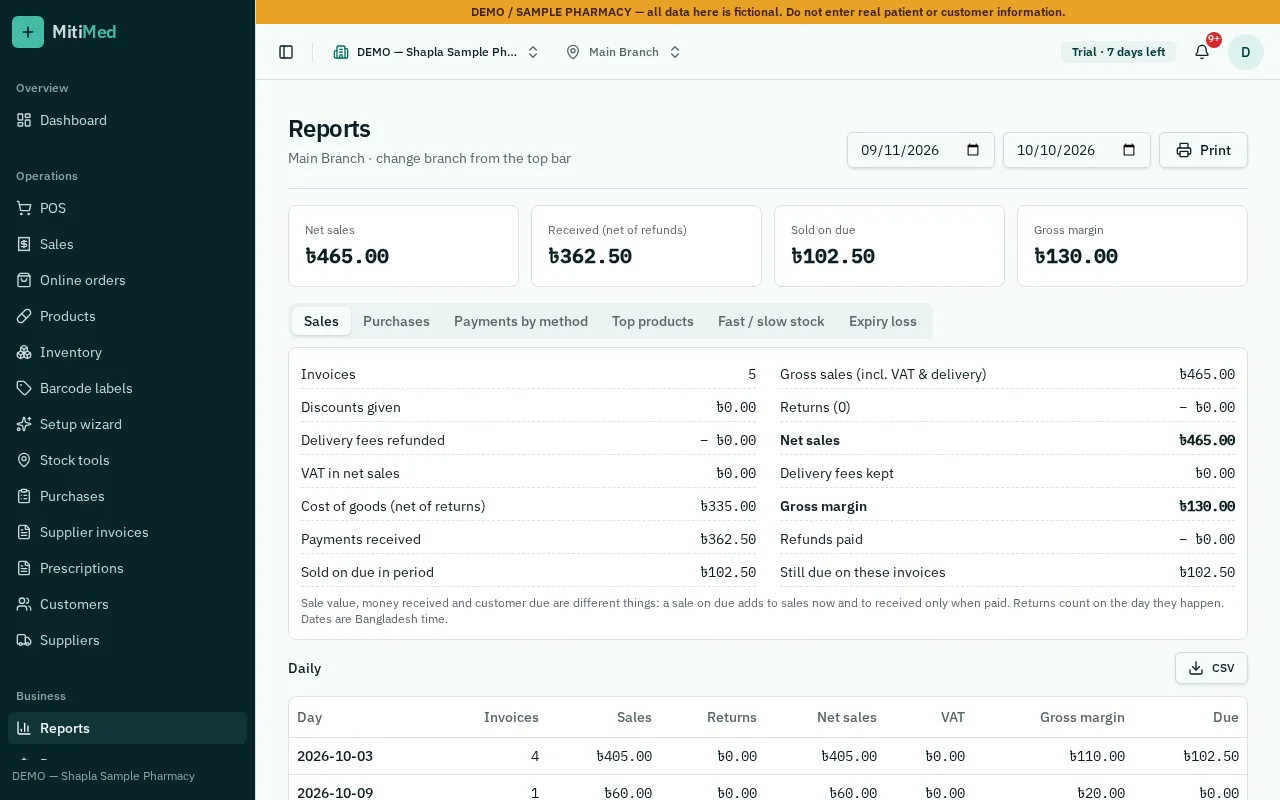
Sales and profit
See sales and gross profit by day, month, branch, product and staff member. Profit uses the cost of the actual batches sold.
- Daily sales summary
- Profit and loss
- Top-selling medicines
Stock health
Find fast, slow and dead stock, stock value at cost and MRP, and the combined cost of expired and damaged stock written off.
Money in and out
Track expenses, supplier payables, customer dues and payment methods so the cash in the drawer matches the system.
How it works
- 1Record sales, purchases and expenses as you work
- 2Check the daily summary
- 3Review stock health weekly
- 4Use monthly profit and loss for planning
Frequently asked questions
Can I export reports?
Most reports can be printed or exported for your accountant.
Do branch managers see all branches?
Only branches they have access to. Owners see everything.
See plans and pricing, help and FAQs or how to get started.