Supplier Invoice AI
Typing in supplier invoices takes time and invites mistakes. Upload a photo or PDF and MitiMed reads it into a draft. Your staff check every line before a draft purchase order is created; stock changes only when goods are received.
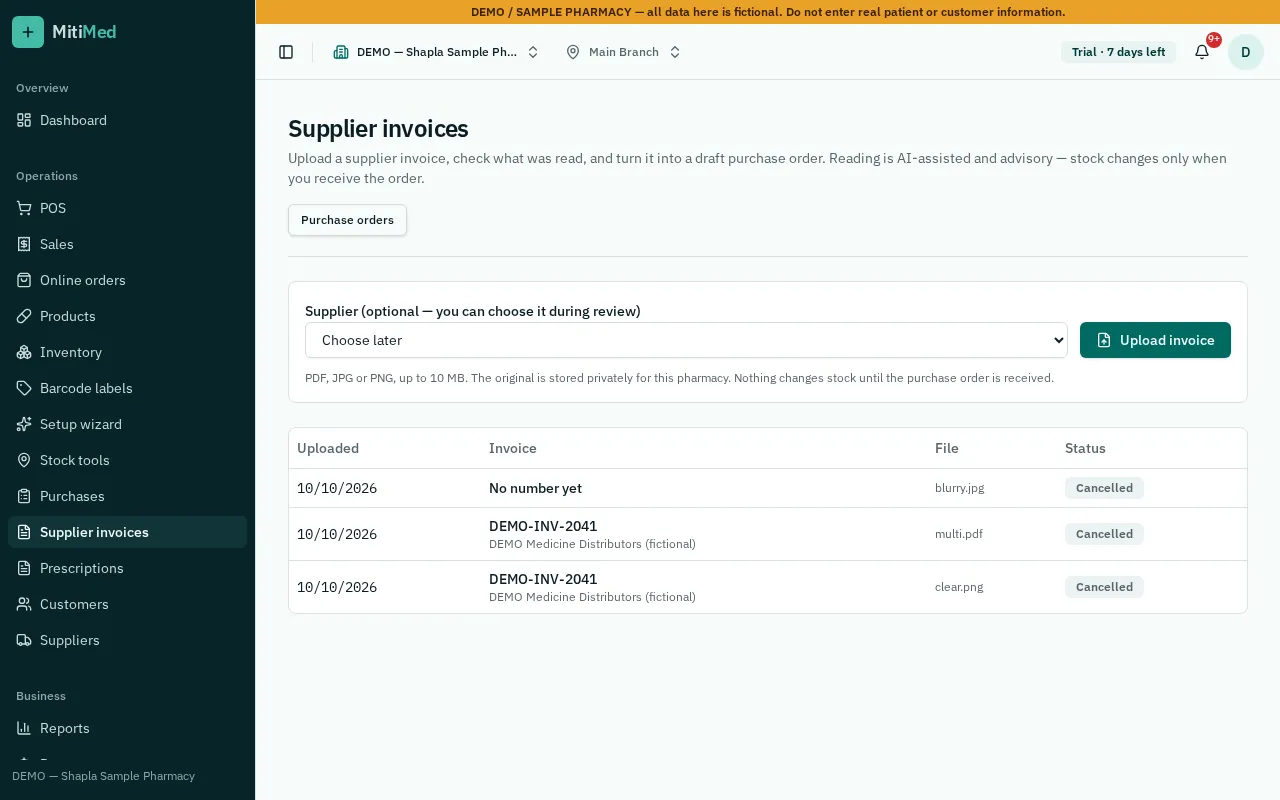
From paper to draft
Upload a clear photo or PDF, including multi-page invoices. MitiMed suggests supplier, items, quantities, batch, expiry and prices, and matches lines to your products.
People confirm, always
Every line must be confirmed or corrected. Unclear images are flagged for review rather than guessed.
- Confirmation creates one draft purchase order
- No stock, batch or supplier balance changes until receiving
- Original file kept with the import for reference
Private and branch-limited
Invoice files are private to your pharmacy, visible only to staff with purchase access for that branch, and cannot be deleted once linked.
How it works
- 1Upload the invoice
- 2Review suggested lines and matches
- 3Confirm or correct each line
- 4Create the draft purchase order
- 5Receive goods through normal receiving
Frequently asked questions
What if the photo is blurry?
The import is marked for review and nothing is filled in with guesses. Retake the photo or enter lines manually.
Does it update stock immediately?
No. It only creates a draft purchase order; stock changes when you receive the goods.
See plans and pricing, help and FAQs or how to get started.