Medicine expiry tracking and first-expiry-first-out selling
Expired medicine is a safety risk and a direct loss. MitiMed tracks every batch's expiry date, sells the earliest-expiring batch first and stops expired stock from being sold at the counter or online.
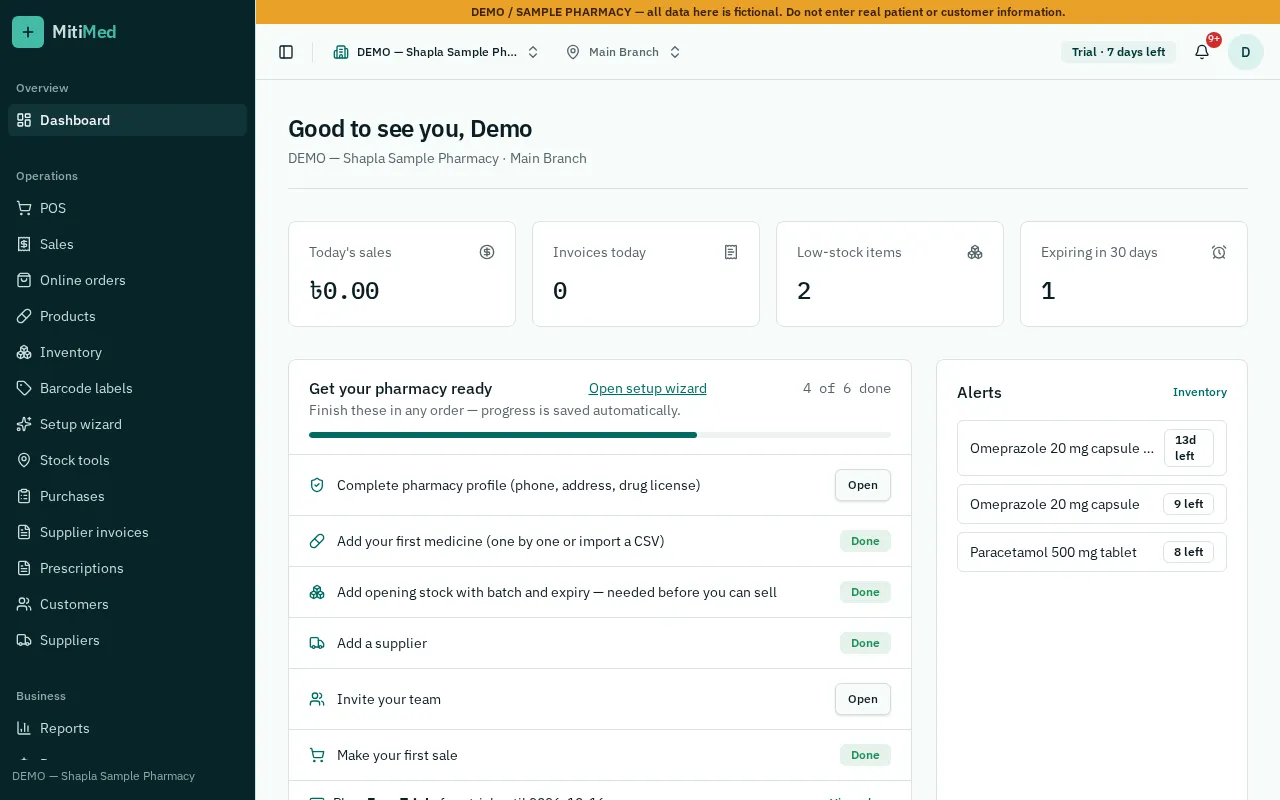
FEFO by default
When a medicine is sold, MitiMed takes stock from the batch that expires first, so older stock moves before newer stock without staff having to remember.
Expired stock is blocked
Expired and quarantined batches cannot be sold. You can also set a minimum remaining shelf life so batches close to expiry are not sold or delivered.
- Minimum shelf-life rule per pharmacy
- Clear messages at the POS explaining why a batch can't be sold
- Same rules apply to online orders at handover
Early warnings
The expiry list and alerts show what expires in the coming weeks and months, so you can sell it in time, return it to the supplier or plan smaller orders.
Know your expiry loss
Write-offs for expired or damaged stock are recorded with a reason. The loss report shows their combined cost, and stock history shows the reason for each write-off.
How it works
- 1Receive stock with batch and expiry
- 2Check the expiry list each week
- 3Act on near-expiry stock
- 4Write off expired stock with a reason
- 5Review expiry-loss reports
Frequently asked questions
Can staff override the expiry block?
No. Expired batches cannot be sold from the POS or online store.
How far ahead can I see expiry?
The expiry view lets you choose the time window, for example the next 30, 60 or 90 days.
See plans and pricing, help and FAQs or how to get started.